
@flowgram.ai/panel-manager-plugin
A plugin for managing different types of panels.
Features
-
Easily integrate custom panels on the right or bottom of the canvas as React components with minimal setup.
-
No need for complex style adaptations—the plugin automatically calculates panel boundaries and layout.
-
Automatically manages the entry and exit of the panel queue.
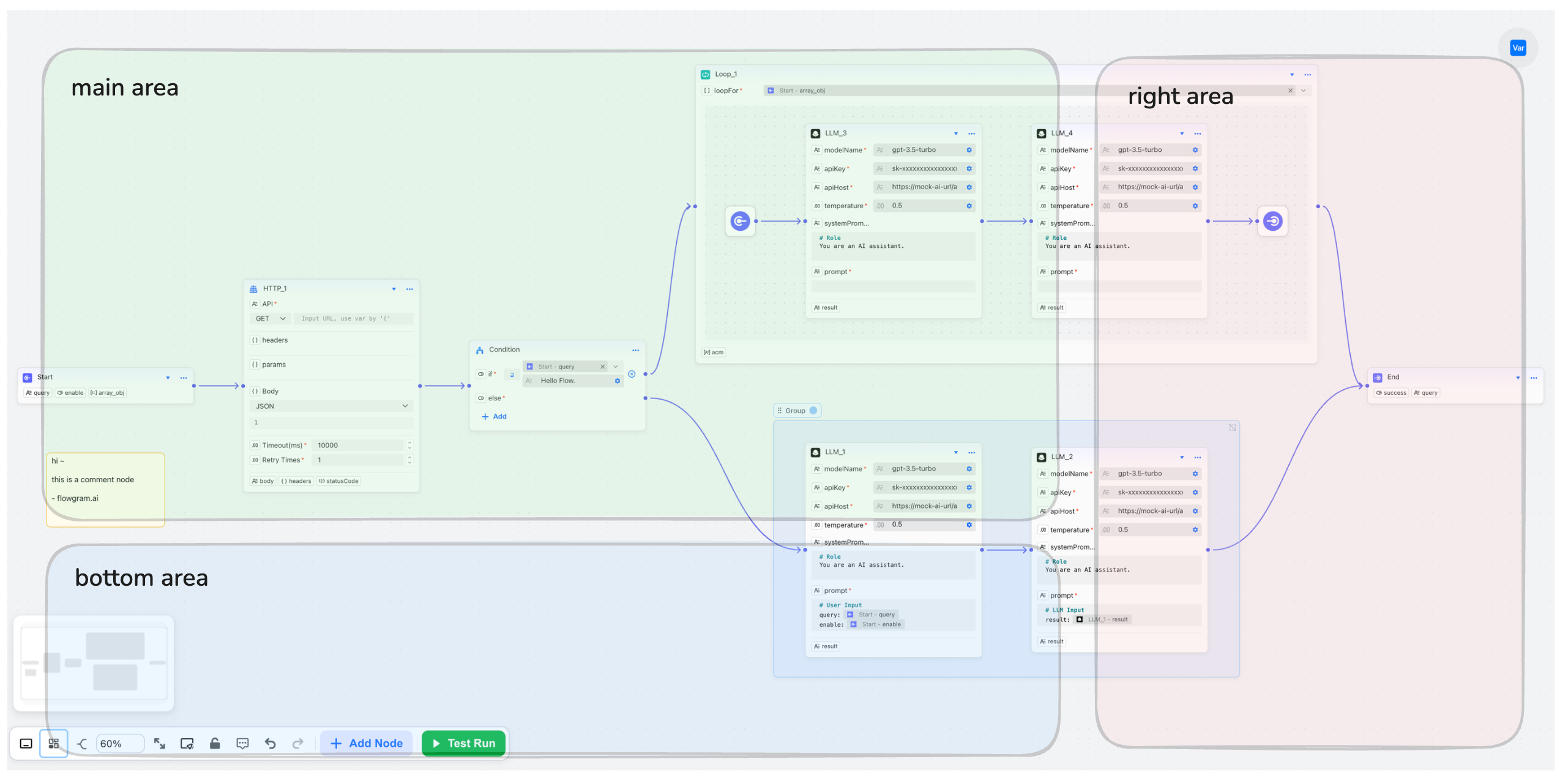
Quick Start
- Installation
- Register the plugin
The registration process is basically the same as other Flowgram plugins. Just make sure you don’t create duplicates and eventually pass it into the corresponding LayoutEditorProvider.
- Register panel components
A panel registration requires a unique key and a render function render that returns a ReactNode.
For example, here’s a node form panel:
Pass the defined object into the plugin:
- Open/close panels
Opening and closing panels is handled through an instance of PanelManager:
Alternatively, you can also access the instance in a React component via a hook: